
Weddings
Every guest saw your wedding a little differently. Keep all of it.
Your photographer captures the day you planned. Your guests capture the day everyone lived — the tears at the aisle, the uncle on the dance floor, the quiet moment you didn't know anyone saw. PicPost brings every one of those photos into a single collection that's yours to keep.
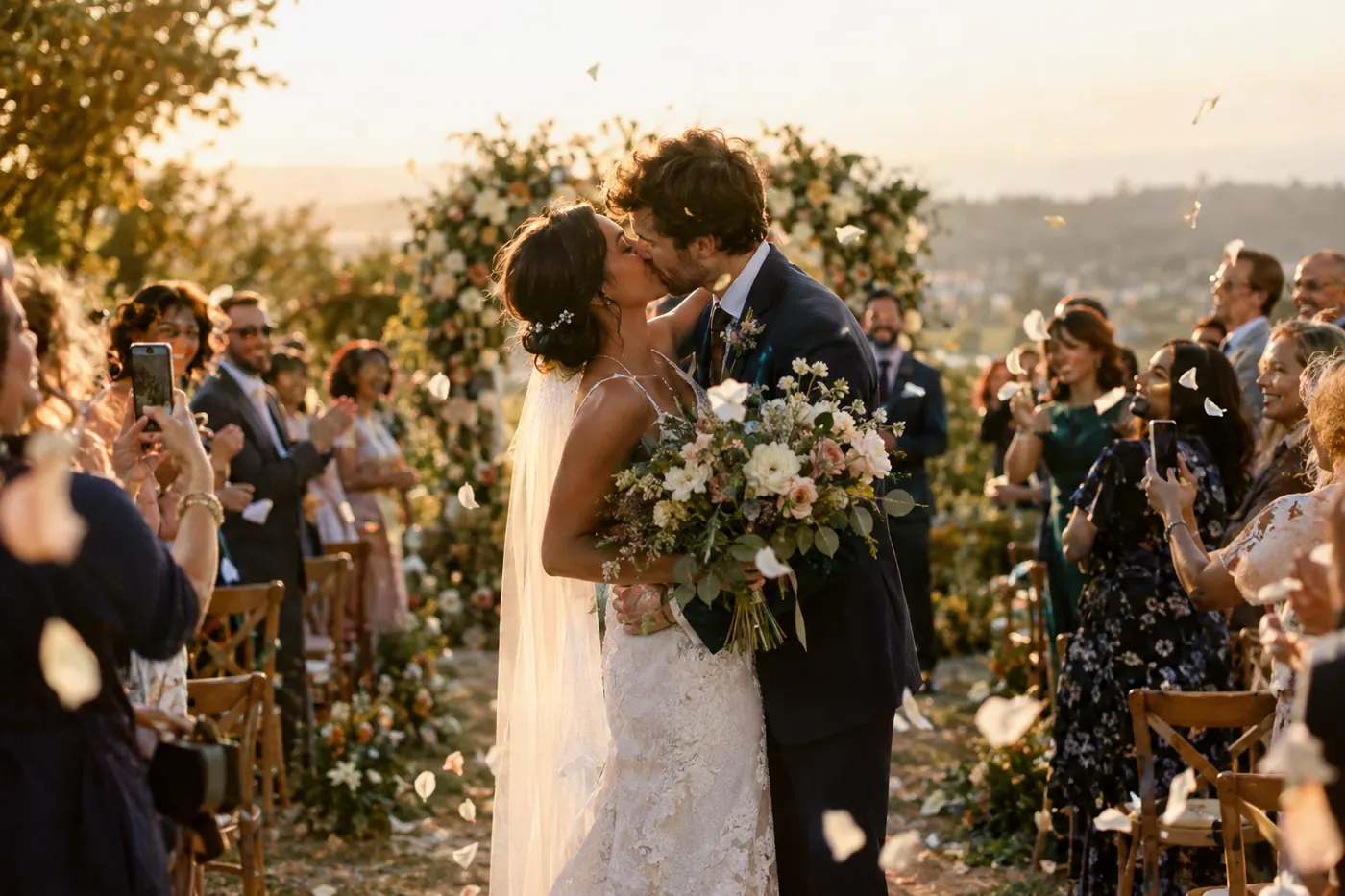
The moments only your guests will catch
Getting ready
The bridal suite chaos, the groomsmen fixing ties, the parent who teared up early. Guests are there for the parts the photographer can't be.
The view from the seats
Your walk down the aisle, seen from row twelve. The ring exchange, from the angle of your grandmother's chair.
The reception after dark
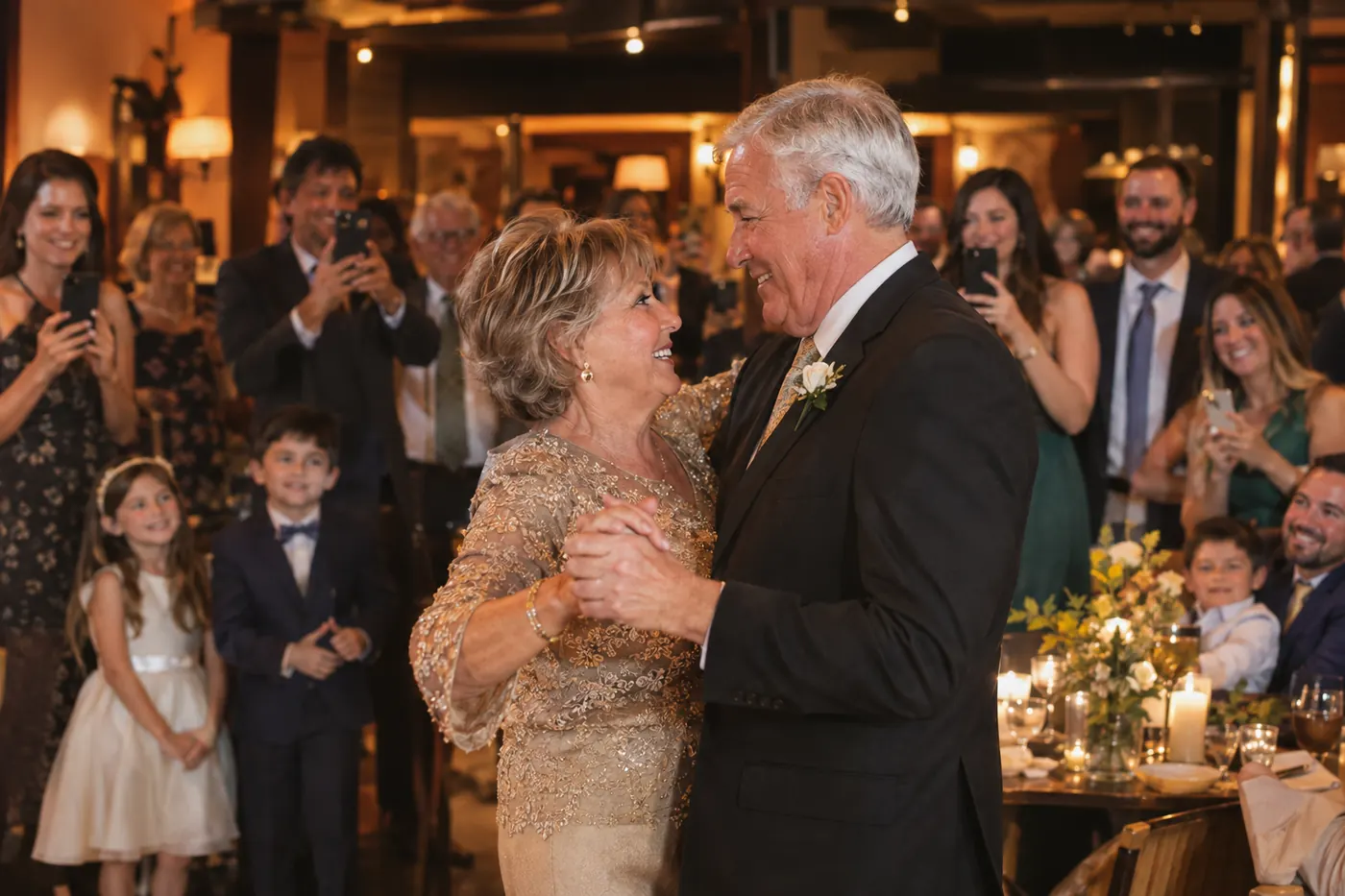
The best dancing happens after the photographer packs up. Guests keep shooting — and now those photos don't vanish into group chats.
How it works
Three steps for your guests. That's all.
Guests scan the QR code
Put PicPost's QR code on tables, signs, or your invitation. Guests point their phone camera at it — nothing to download, no account to create.
They share their photos
They type their first name and choose photos from their phone, iPhone or Android. Each photo is checked automatically before it appears.
Everyone watches it come together
Photos appear on a live photo wall on a TV or projector. After the party, you download the whole collection.
A live photo wall that becomes part of the reception
Put the photo wall on a TV, projector, or the venue screen. As guests share, their photos appear in a moving mosaic, a tidy grid, or a full-screen slideshow. People gather around it, laugh, and share more — it's a reason to keep taking pictures all night.
How couples set it up
- Buy your event and claim your account from the email we send — a few minutes, no subscription.
- Add your names, your colors, and a photo or monogram so the upload page feels like part of your wedding.
- Print the QR card for each table, the bar, and the guest book. Add it to your wedding website and day-of signs, too.
- Choose how photos are screened: show photos as soon as they pass our automatic check, or approve each one yourself.
- After the wedding, download every photo as one .zip file. You'll have 10 days, so download them early.
Which size do I need?
Choose by your guest count: Small for up to 100 guests, Medium for up to 250, Large for up to 500.
Small is $39 for up to 100 guests, Medium is $69 for up to 250, and Large is $99 for up to 500. One-time price, no subscription.
Compare sizesQuestions about weddings
Do our guests need to download an app?
No. Guests scan the QR code with their phone camera, type their first name, and choose photos. It works in the phone's web browser on iPhone and Android.
Will this replace our wedding photographer?
No — and it isn't meant to. Your photographer delivers the professional portraits and the planned shots. PicPost collects the candid, behind-the-scenes photos your guests take, which couples often never see.
Can we keep inappropriate photos off the wall at the reception?
Yes. Every photo is checked automatically before it appears, and you can choose to approve every photo yourself before it goes on the wall.
When should we put the QR code out?
From the moment guests arrive. Many couples put it on the welcome sign, every table, and the bar so guests share all day — not just at the reception.

Give every guest a way to share.
Set up in minutes. Guests share from the moment they arrive. You keep every photo.