

Live demo
Watch your photo light up the big screen.
You’re about to see a real PicPost photo wall, the same one that plays on the TV at a party. Add a photo from your phone and watch it appear in seconds.
Takes 30 seconds. No app, no sign-up.
What you’ll see
A party, live on screen.
The wall is filled with photos from a real party. It moves and refreshes on its own, just like it would on a TV at your event. When you add a photo, it joins the wall alongside everyone else’s.
Open the wall
Tap “Enter the live demo.” On a computer, the wall fills your screen the way it would on a TV.
Scan the code
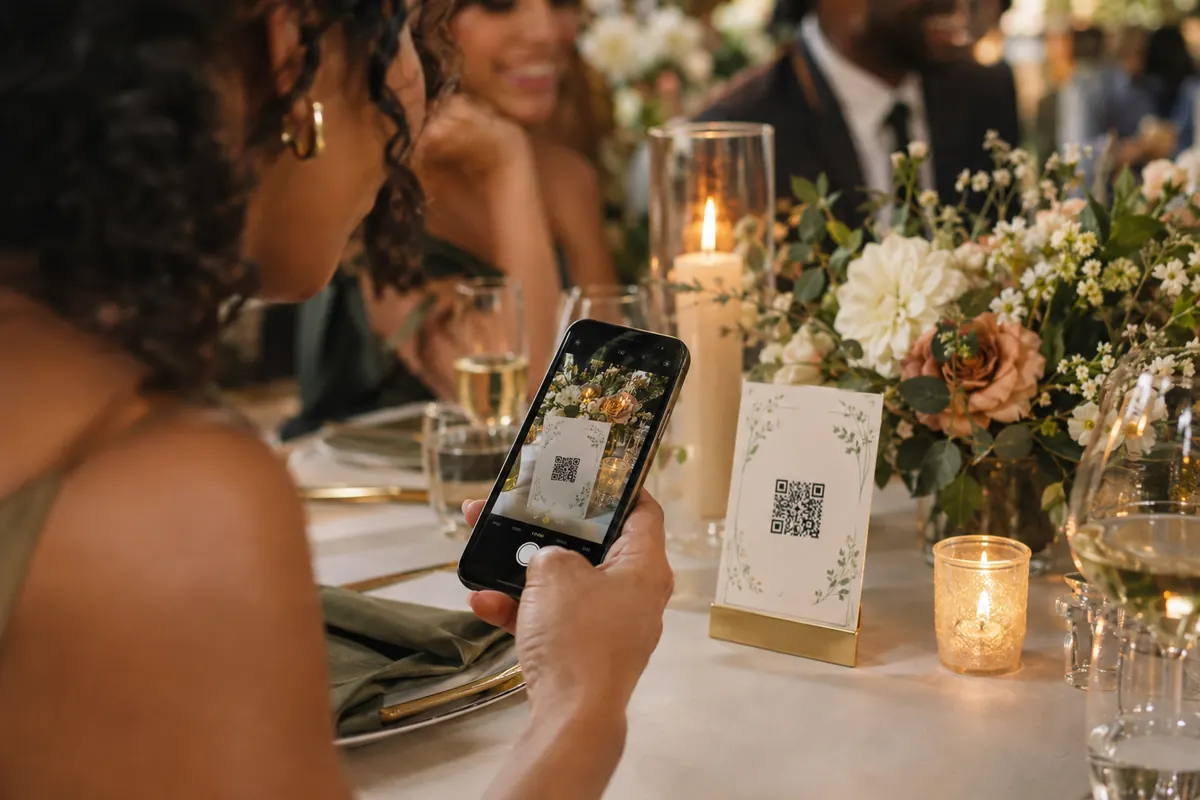
Point your phone’s camera at the QR code in the corner of the wall. On a phone, just tap “Share a photo.”
Watch it appear
Type your first name, pick a photo, and look up. Yours usually shows up within a few seconds.
Good to know
Try it freely. Your photo won’t stick around.
Gone in 15 minutes
Photos you add to the demo are deleted automatically after 15 minutes. At a real event, the host keeps every photo.
Screened first
Every photo is checked automatically before it reaches the wall, just like at a real event.
Seen by visitors
Anyone viewing the demo can see your photo while it’s up, so pick something you’re happy to share.
Want this at your party?
Start free for up to 10 guests, or pick your size and set up your event in minutes.