
Corporate events & conferences
Your whole event, live on every screen.
The conference, the sales kickoff, the awards gala, the customer summit, the company-wide offsite. When hundreds or thousands of people are in the room, PicPost turns every phone into a camera and puts the best of the day on the big screens, branded and screened, while it’s still happening.
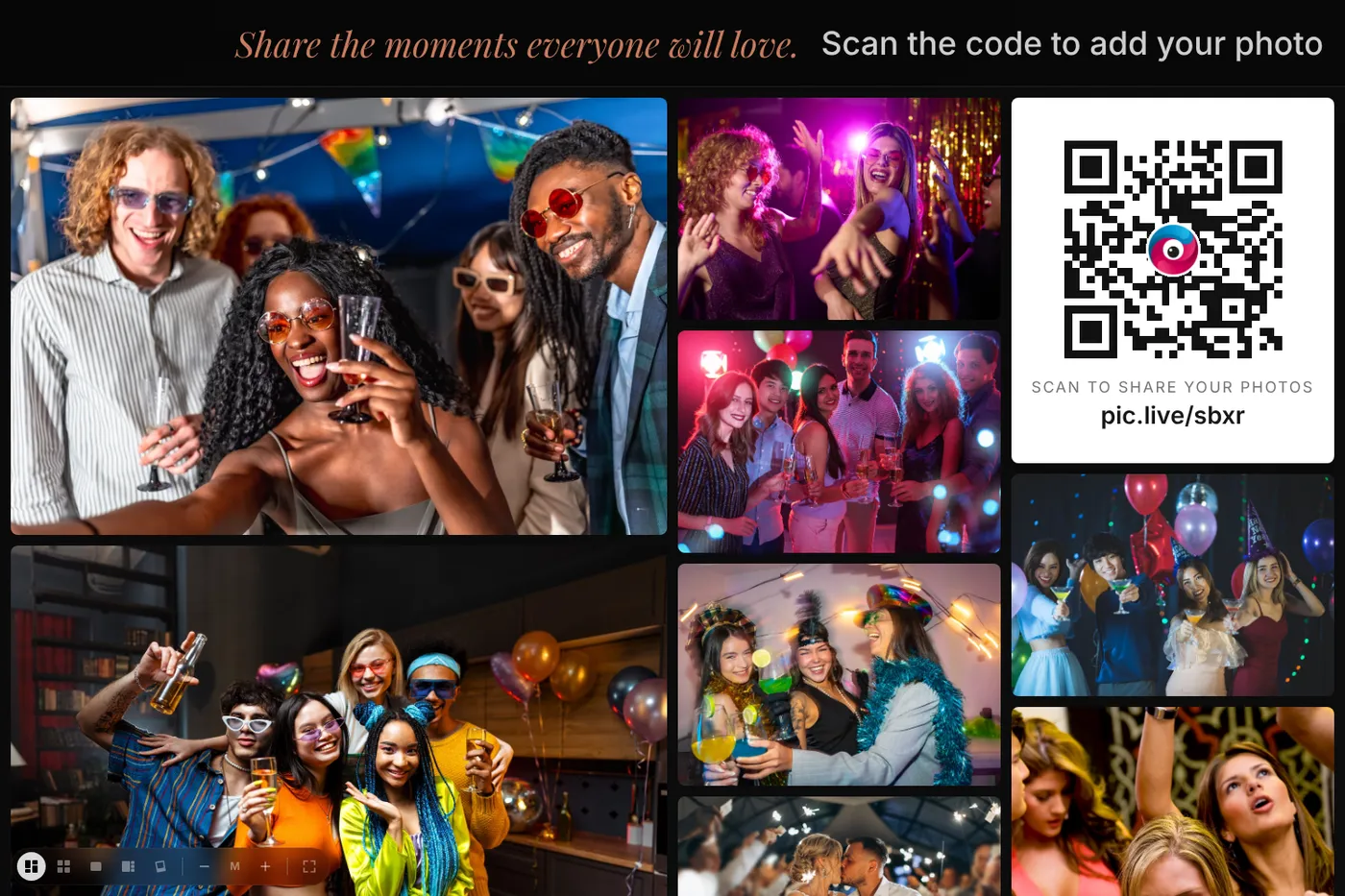
Built for events at company scale
No guest limit
Unlimited covers every attendee for one flat price. There’s no app and no account, so a ballroom of 2,000 people can join in seconds by scanning a QR code.
Your brand on everything
Put your company logo, event name, colors and a background image on the upload page, the photo wall and the printable QR signs. A sponsored event can show the title sponsor’s logo instead.
Every screen in the venue
The main stage screen, the lobby TVs, the registration desk and the after-party. Open the wall link on as many screens as you like, and give each screen its own look.
Safe for a corporate crowd
Every photo is checked automatically for inappropriate content before it appears. Turn on approval, and nothing reaches a screen until someone on your team OKs it.
Photos and video for marketing
Attendees can share photos and short videos up to 30 seconds. Afterward, download everything as one .zip file for the recap video, social posts, the newsletter and next year’s promo.
Global audiences
The upload page speaks your attendees’ language (ten languages, picked automatically from their phone), so an international crowd can share without help.
Where it fits in your event
Keynotes and general sessions
Run the wall on the side screens between talks, and have the emcee invite the room to share. Each invitation brings in a wave of new photos.
Awards nights and galas
Winners, toasts and the dance floor appear on screen within seconds, so the room watches the night happen together.
Expo halls and booths
Put a wall on your booth screen. People stop to watch, scan the code and add their own photo, which gets them talking to your team.
How it works
Three steps for your guests. That’s all.
Guests scan the QR code
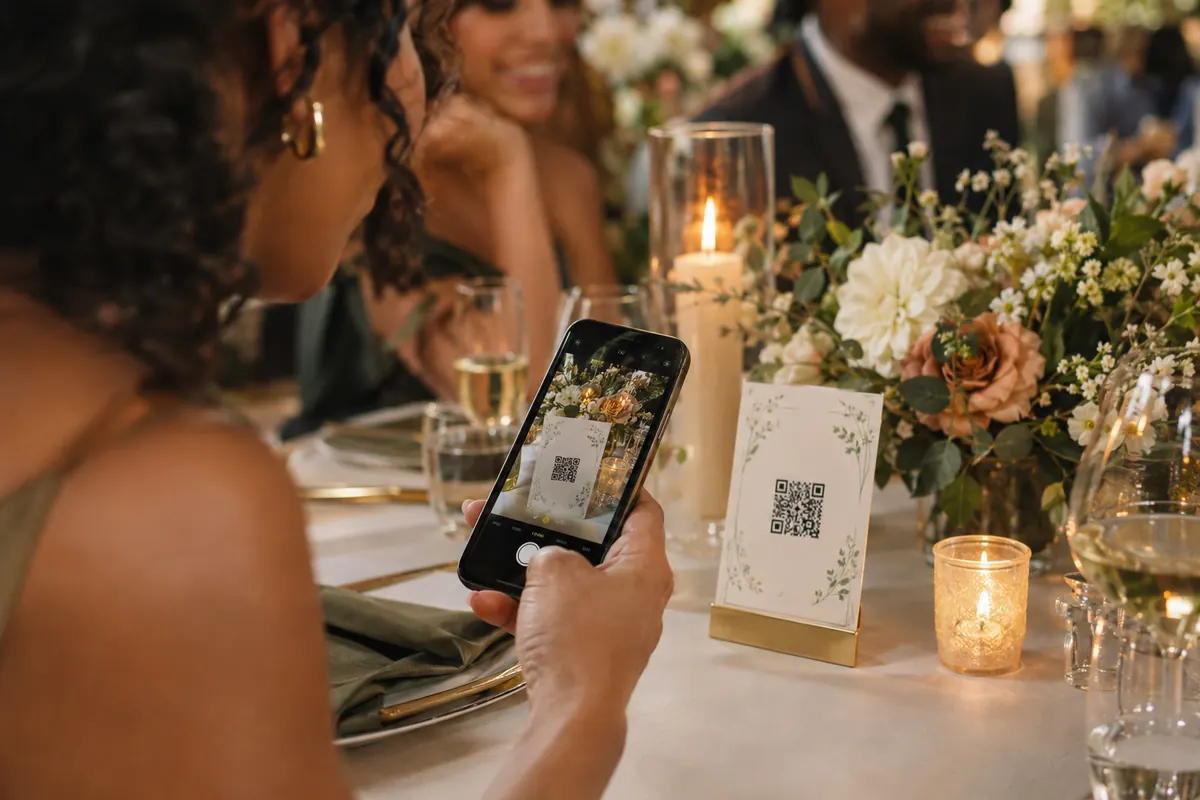
Put PicPost’s QR code on tables, signs, or your invitation. Guests point their phone camera at it — nothing to download, no account to create.
They share their photos
They type their first name and choose photos from their phone, iPhone or Android. Each photo is checked automatically before it appears.
Everyone watches it come together
Photos appear on a live photo wall, on as many TVs, projectors and screens as you like. After the party, you download the whole collection.
The screen people actually stop to watch
A sponsor loop gets ignored. A wall of attendees’ own photos gets a crowd. Choose a moving montage, a square grid, a single-photo slideshow, Spotlight or Polaroid for each screen. Your logo sits on top, and a QR code tile on the wall lets anyone watching join in.
Setting it up for a corporate event
- Buy Unlimited (or Large for up to 500 people) and claim your account from the email we send. It takes a few minutes, with no subscription.
- Add your event name, logo, colors and background, and choose how photos are screened.
- Put the QR code in the attendee app or email, on badges, on table cards, on the stage slides and on the wall itself.
- Send the wall link to your AV team. They open it in any web browser on each screen, and can pick a different layout for each one.
- After the event, download every photo and video as one .zip file. You’ll have 1 year to download them.
Which size do I need?
For most corporate events, choose Unlimited: $399 one time, with no guest limit. Large ($129) covers up to 500 people. Planning a multi-day conference or a series of events? Email [email protected] and we’ll help you set it up.
Free covers up to 40 guests and 500 photos, with no card needed. Small is $49 for up to 100 guests, Medium is $79 for up to 250, Large is $129 for up to 500, and Unlimited is $399. One-time price, no subscription.
Compare sizesQuestions about corporate events
Can it handle thousands of attendees sharing at once?
Yes. Photos appear on the wall as each one passes the automatic check, so a busy moment, like the end of a keynote, just makes the wall fuller.
Do attendees need to download an app or create an account?
No. They scan the QR code with their phone camera, type a first name, and share. It works in the phone’s web browser on iPhone and Android.
How do we keep inappropriate photos off the screens?
Every photo is checked automatically before it appears. You can also turn on approval, so a member of your team OKs each photo before it reaches any screen, and you can remove any photo at any time.
Can we put our logo or a sponsor’s logo on the wall?
Yes. Add a logo, event name, colors and a background image when you set up the event. They appear on the upload page, the photo wall and the QR signs.
Can our AV team run the screens?
Yes. The wall is just a link. Send it to your AV team or venue tech, and they open it in any web browser on each screen. Most smart TVs can open it without a computer.
Can we confirm that only real attendees post?
Yes. Add text verification at checkout, and each attendee confirms their phone number once with a 6-digit code before they can post. On Unlimited it’s a flat +$200 and covers up to 1,000 phones.
Does it work for multi-day conferences?
Yes. One event can run for the whole conference. For a series of events, or several cities, email [email protected] and we’ll help you plan it.

Give every guest a way to share.
Set up in minutes. Guests share from the moment they arrive. You keep every photo.