
Large holiday gatherings
A photo wall big enough for the whole crowd.
The company-wide holiday party. The church Christmas dinner. The school winter festival or the town tree lighting. When hundreds of people are in one room, PicPost gathers everyone’s photos into one collection and puts them on the big screen as they come in.

Built for big rooms
Hundreds sharing at once
Guests scan the QR code from anywhere in the room. There’s no app and no account, so even a crowd of 500 can join in seconds.
Every screen in the venue
Open the wall link on as many TVs, projectors and screens as you like, and give each screen its own look.
Made for family crowds
Every photo is checked automatically before it appears, and you can approve each one yourself. That matters at church, school and family events.
How it works
Three steps for your guests. That’s all.
Guests scan the QR code
Put PicPost’s QR code on tables, signs, or your invitation. Guests point their phone camera at it — nothing to download, no account to create.
They share their photos
They type their first name and choose photos from their phone, iPhone or Android. Each photo is checked automatically before it appears.
Everyone watches it come together
Photos appear on a live photo wall, on as many TVs, projectors and screens as you like. After the party, you download the whole collection.
Make the wall the centerpiece of the night
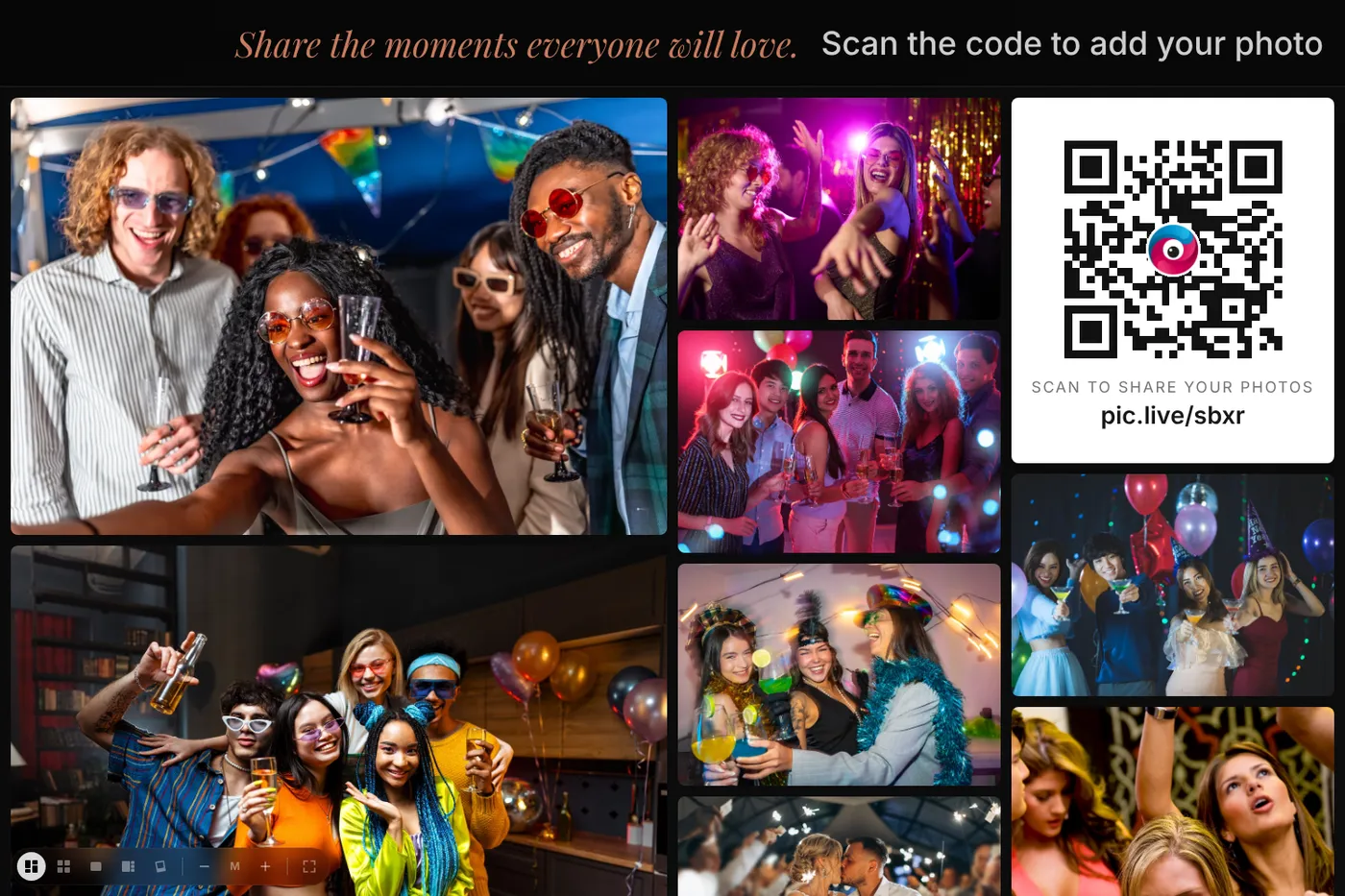
Put the wall on the main stage screen during dinner, on TVs by the entrance, or on a projector in the lobby. As people share, photos appear in a moving mosaic, a tidy grid, or a full-screen slideshow, with your logo and event name on top.
Setting it up for a big event
- Buy your event and claim your account from the email we send — a few minutes, no subscription.
- Add the event name and your logo, and choose how photos are screened.
- Put the QR code on the program, the tables, the entrance signs and the screen itself.
- Ask the host or emcee to invite everyone to share once during the evening. It brings in a wave of new photos.
- After the party, download every photo as one .zip file. You’ll have 1 year (30 days on Free) to download them.
Which size do I need?
Choose by headcount: Large for up to 500 people, or Unlimited with no guest limit for company-wide and community events.
Free covers up to 40 guests and 500 photos, with no card needed. Small is $49 for up to 100 guests, Medium is $79 for up to 250, Large is $129 for up to 500, and Unlimited is $399. One-time price, no subscription.
Compare sizesQuestions about large holiday events
Can it handle hundreds of people sharing at once?
Yes. Photos appear on the wall as each one passes the automatic check, so a busy moment just makes the wall fuller.
Can we show the wall on more than one screen?
Yes. The wall is just a link. Open it on as many TVs, projectors and screens as you like.
Is it a good fit for church and school events?
Yes. Every photo is checked automatically, and you can turn on approval so nothing reaches the screen until you OK it. Guests only type a first name.
Can someone besides me run the wall at the venue?
Yes. The wall is just a link. Send it to whoever runs the screen, or to your DJ or AV team, and they open it in any web browser.

Give every guest a way to share.
Set up in minutes. Guests share from the moment they arrive. You keep every photo.