
QR code photo sharing
One QR code. Every guest’s photos.
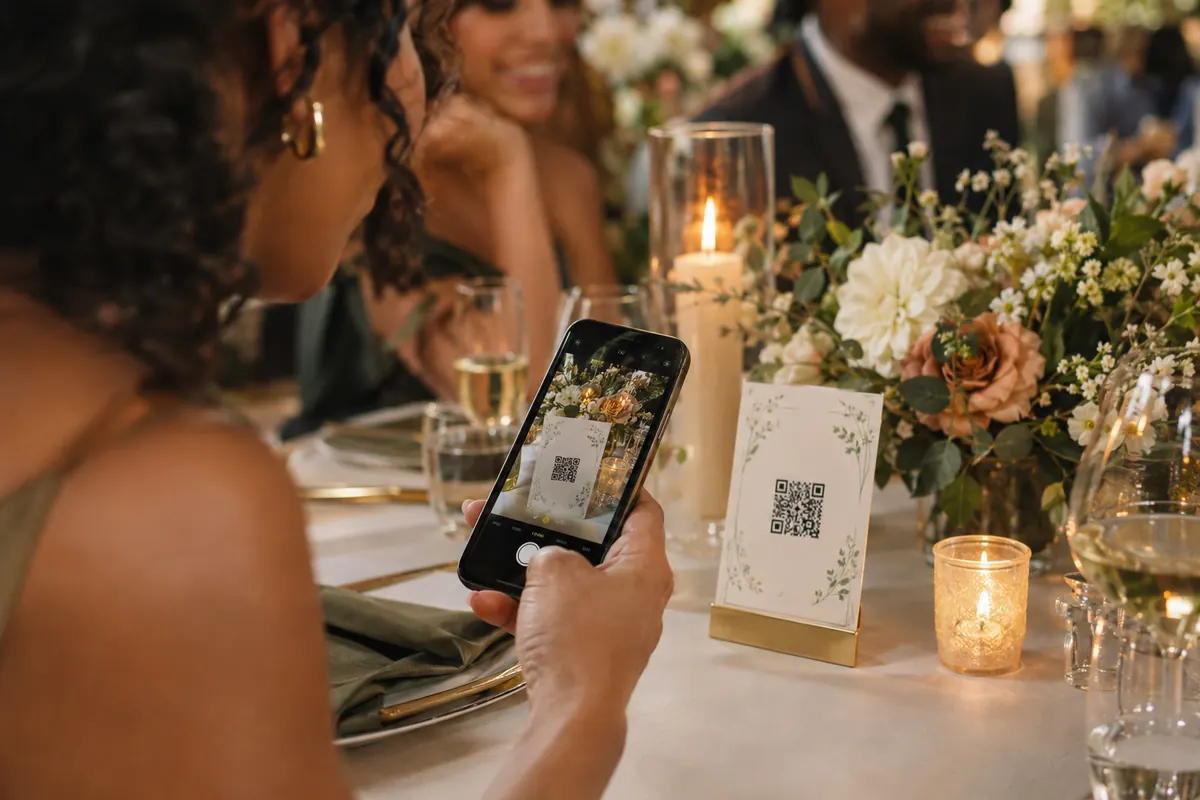
PicPost gives your event a QR code that opens a simple upload page. Guests point their phone camera at it, type a first name, and pick photos — no app to download and no account to create. Every photo lands in one album that you keep, and on a live photo wall if you want one.
Why a QR code works better than a shared album
Nothing to install
Shared albums need the right app and the right account. A QR code works with the camera every phone already has.
One place, not forty group chats
Every photo goes straight into your event, instead of scattered texts and links you’ll never collect.
You stay in control
Photos are checked automatically before they appear, and you can approve each one yourself. You can remove any photo at any time.
How it works
Three steps for your guests. That’s all.
Guests scan the QR code
Put PicPost’s QR code on tables, signs, or your invitation. Guests point their phone camera at it — nothing to download, no account to create.
They share their photos
They type their first name and choose photos from their phone, iPhone or Android. Each photo is checked automatically before it appears.
Everyone watches it come together
Photos appear on a live photo wall, on as many TVs, projectors and screens as you like. After the party, you download the whole collection.
Where to put your QR code
On the invitation or wedding website, on every table, by the bar, on the welcome sign, and on the photo wall itself. PicPost gives you a printable QR sign, a QR code image to download, and a short pic.live link for anywhere a code won’t fit.
How it works for the host
- Buy your event (or start free) and claim your account from the email we send.
- Name your event and add a photo, logo, or your colors so the upload page feels like yours.
- Print the QR sign, or add the code to your invitation, signs, and slides.
- Watch photos arrive live, and put the photo wall on a screen if you’d like.
- Download every photo as one .zip file. You’ll have 1 year (30 days on Free) to download them.
Which size do I need?
Choose by your guest count: Free for up to 40 guests, Small for up to 100, Medium for up to 250, Large for up to 500, or Unlimited.
Free covers up to 40 guests and 500 photos, with no card needed. Small is $49 for up to 100 guests, Medium is $79 for up to 250, Large is $129 for up to 500, and Unlimited is $399. One-time price, no subscription.
Compare sizesQuestions about QR code photo sharing
Does the QR code work on iPhone and Android?
Yes. Any phone camera that reads QR codes opens the upload page in the phone’s web browser. There’s no app.
Do guests need an account or an email address?
No. Guests type a first name and choose photos. That’s it.
Can I print the QR code myself?
Yes. PicPost gives you a printable QR sign, and you can download the QR code as an image to add to invitations, signs, or a wedding website.
What happens if someone shares a photo I don’t want?
Every photo is checked automatically before it appears. You can also approve every photo yourself, and remove any photo at any time.
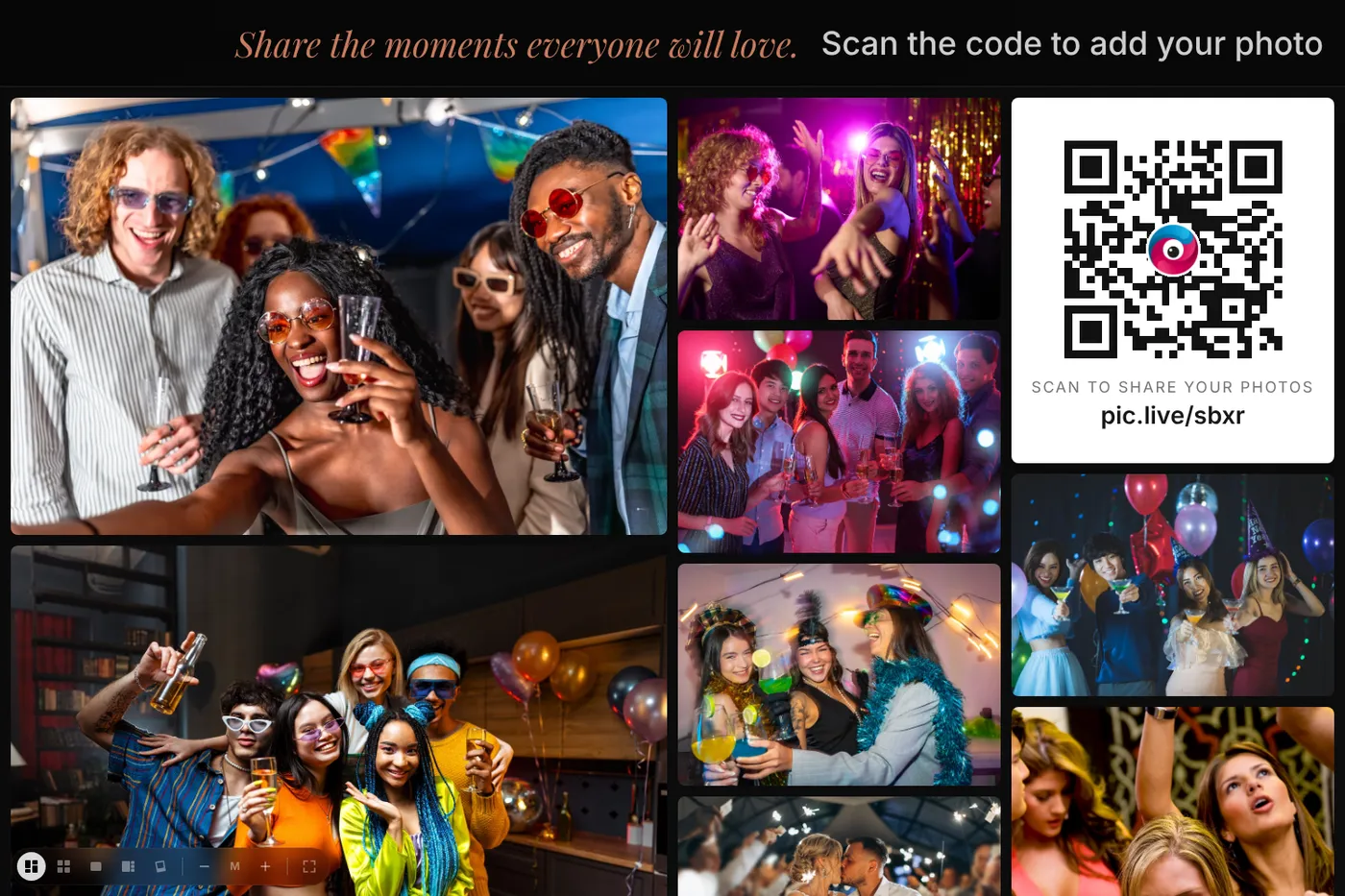


Give every guest a way to share.
Set up in minutes. Guests share from the moment they arrive. You keep every photo.