
Office & company parties
Every photo from the office party, in one place.
The holiday party, the team offsite dinner, the year-end celebration — everyone takes photos, and they end up scattered across a hundred phones. PicPost collects them as the party happens, shows them on a live photo wall, and gives the organizer every photo afterward.

Why organizers use it
No app for anyone to install
Coworkers scan a QR code with their phone camera, type a first name, and share. Nobody creates an account or hands over an email address.
Screened before it’s on screen
Every photo is checked automatically for inappropriate content before it appears. You can also approve each photo yourself before it reaches the wall.
Photos for the newsletter and the recap
After the party, download every photo as one .zip file — ready for the internal newsletter, the team channel, or next year’s invitation.
How it works
Three steps for your guests. That’s all.
Guests scan the QR code
Put PicPost’s QR code on tables, signs, or your invitation. Guests point their phone camera at it — nothing to download, no account to create.
They share their photos
They type their first name and choose photos from their phone, iPhone or Android. Each photo is checked automatically before it appears.
Everyone watches it come together
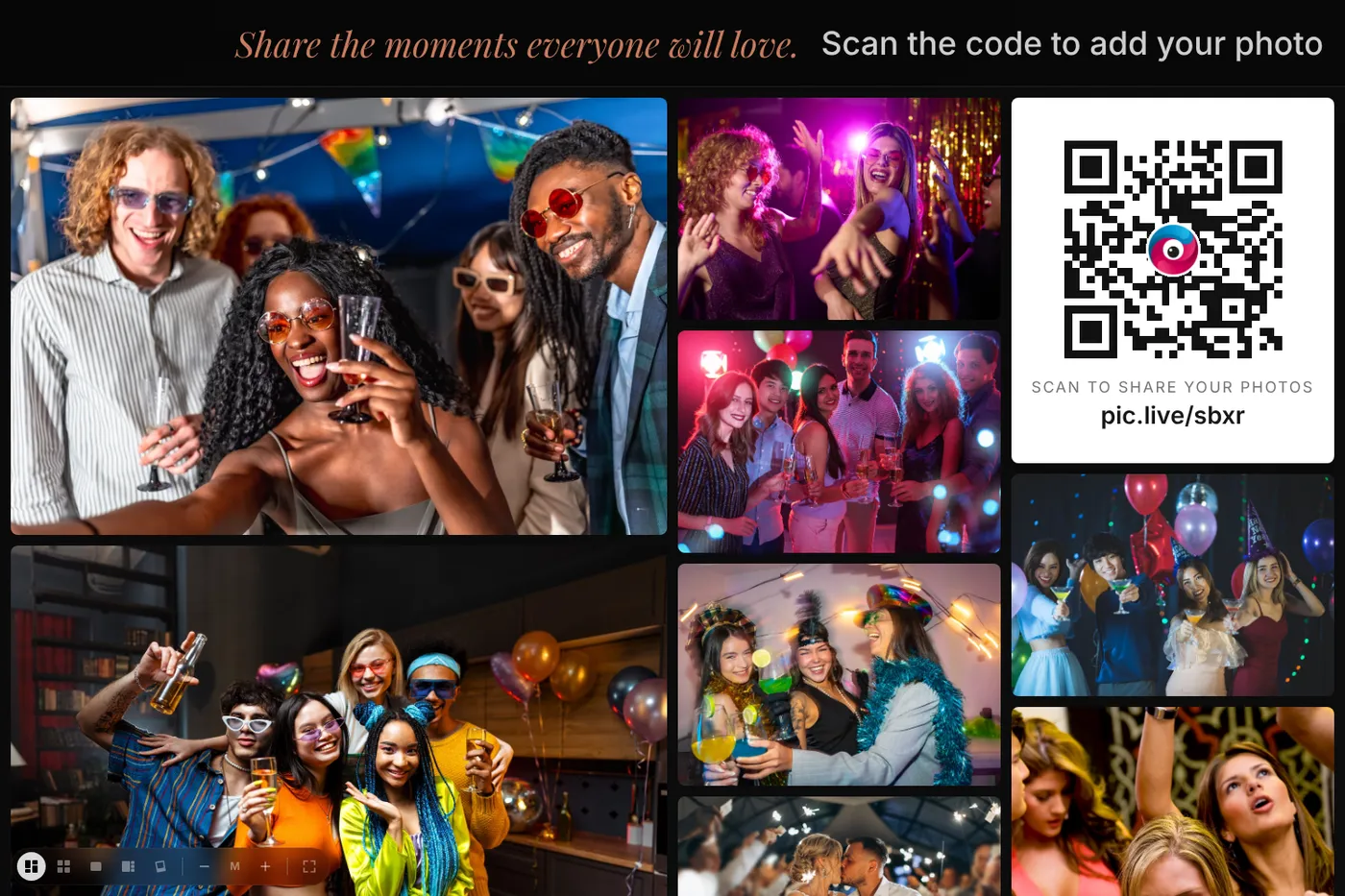
Photos appear on a live photo wall, on as many TVs, projectors and screens as you like. After the party, you download the whole collection.
Put the party on the big screen
Open the wall link on the conference-room TV, a projector, or the venue screen. Photos appear as people share them, in a moving mosaic, a tidy grid, or a full-screen slideshow. Add your company logo so the wall looks like part of the event.
Setting it up for the office party
- Buy your event and claim your account from the email we send — a few minutes, no subscription.
- Add the event name and your logo, and choose how photos are screened.
- Put the QR code in the invitation email, on the tables, and by the bar.
- Run the photo wall on the biggest screen in the room.
- After the party, download every photo as one .zip file. You’ll have 1 year (30 days on Free) to download them.
Which size do I need?
Choose by headcount: Small for up to 100 people, Medium for up to 250, Large for up to 500, or Unlimited for the whole company.
Free covers up to 40 guests and 500 photos, with no card needed. Small is $49 for up to 100 guests, Medium is $79 for up to 250, Large is $129 for up to 500, and Unlimited is $399. One-time price, no subscription.
Compare sizesQuestions about office parties
Do coworkers need to download an app or create an account?
No. They scan the QR code with their phone camera, type a first name, and choose photos. It works in the phone’s web browser on iPhone and Android.
Can we keep unprofessional photos off the screen?
Yes. Every photo is checked automatically before it appears, and you can turn on approval so nothing reaches the wall until you OK it.
Can I add our company logo?
Yes. Add your logo and event name when you set up the event, and they appear on the upload page and the photo wall.
Can someone besides me run the wall at the venue?
Yes. The wall is just a link. Send it to whoever runs the screen, or to your DJ or AV team, and they open it in any web browser.


Give every guest a way to share.
Set up in minutes. Guests share from the moment they arrive. You keep every photo.